

Have you recently upgraded your smartphone? Are you looking for the best Android and iPhone applications in 2026 to install on your smartphone? This article is for you.
As there are millions of apps available on iTunes and Google Play Store, it is always challenging to find useful Android apps in daily life. If you are one who finds it difficult to locate the best daily life apps for your iOS or Android devices, this article is for you. We have tried and tested various apps and after analyzing the features, we have filtered out these 25 useful applications to simplify your daily life.
With great developments in technology, especially in AI, life is also getting busier day by day. Now it’s our job to keep a good liaison with these improvements. Let’s take an example of smartphones; as the craze of iPads, iPhones, or Android phones rises, the usage of apps is also increasing drastically.
Using applications is in trend now so developers always try to provide the best app that makes your life more comfortable. There are millions of mobile applications that are being launched every day but do you know which one is for you? To answer this question, one will have to install an application and will have to test the features.
25 Best Useful Apps for Day-to-Day Life (2026 Edition)
In this article, we shared 25 apps that are actually useful, not just random applications that you already use. I personally tested and found it to be very helpful in daily life. Hope you like it.
1. NotebookLM – AI Research & Smart Note Companion:
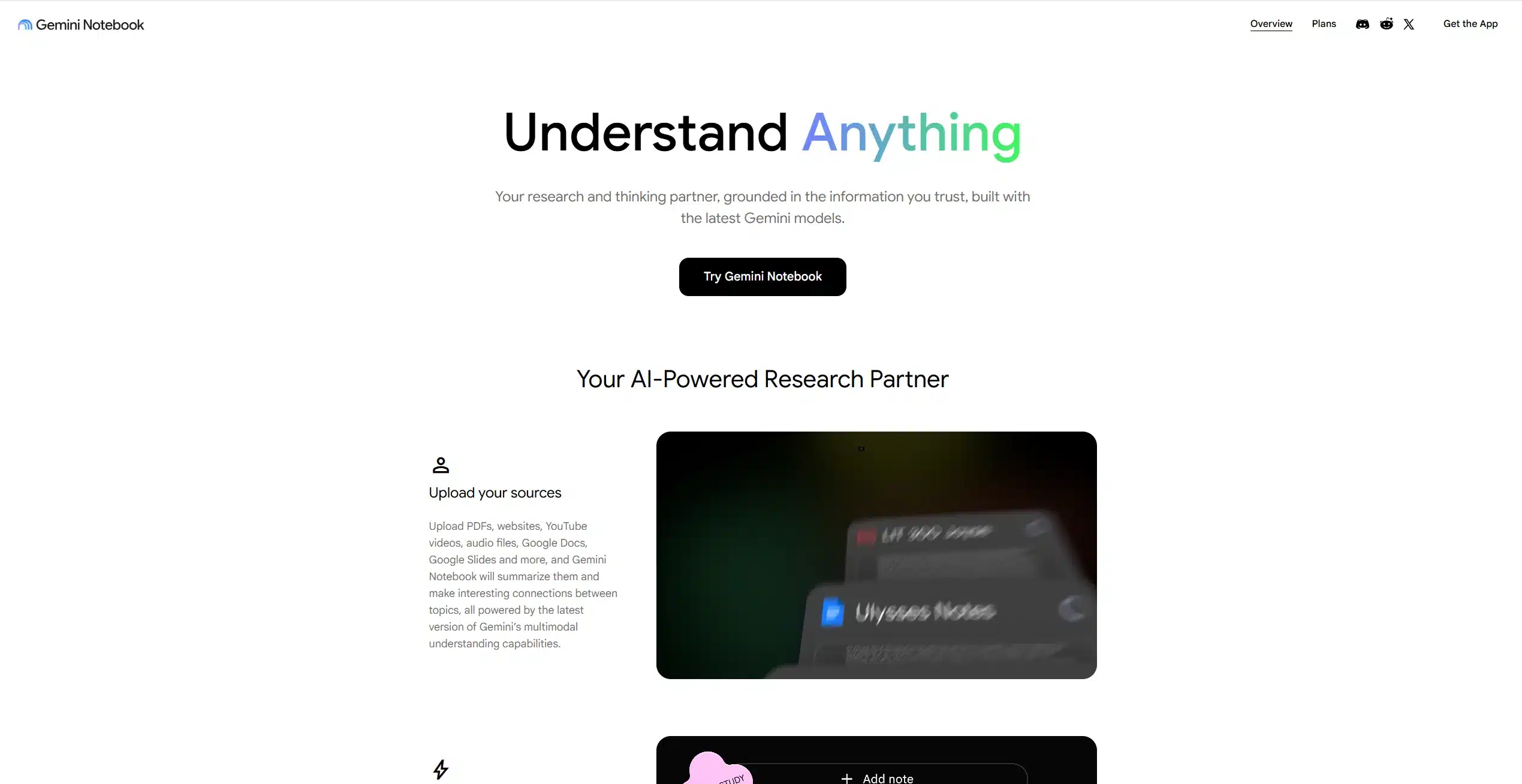
Students and working professionals love this app. NotebookLM is Google’s AI-powered research and note-taking assistant designed for people who read, study, plan, or work with large amounts of information. Unlike traditional note apps, NotebookLM doesn’t just store information — it understands it.
You can upload PDFs, Google Docs, web articles, notes, and even YouTube transcripts. Once uploaded, you can ask questions directly about your content, and NotebookLM responds using only your sources, reducing misinformation.
Key Features:
- Upload PDFs, documents, websites, and notes
- AI-generated summaries and key takeaways
- Ask questions and get contextual answers
- Create structured notes automatically
- Audio overview feature (listen instead of read)
- Private workspace (no public data mixing)
What Makes It Unique:
NotebookLM acts like a personal research assistant, not just a note app. It’s ideal for students, professionals, content creators, and planners who want clarity without information overload.
2. CamScanner – Turn Your Phone into a Scanner:
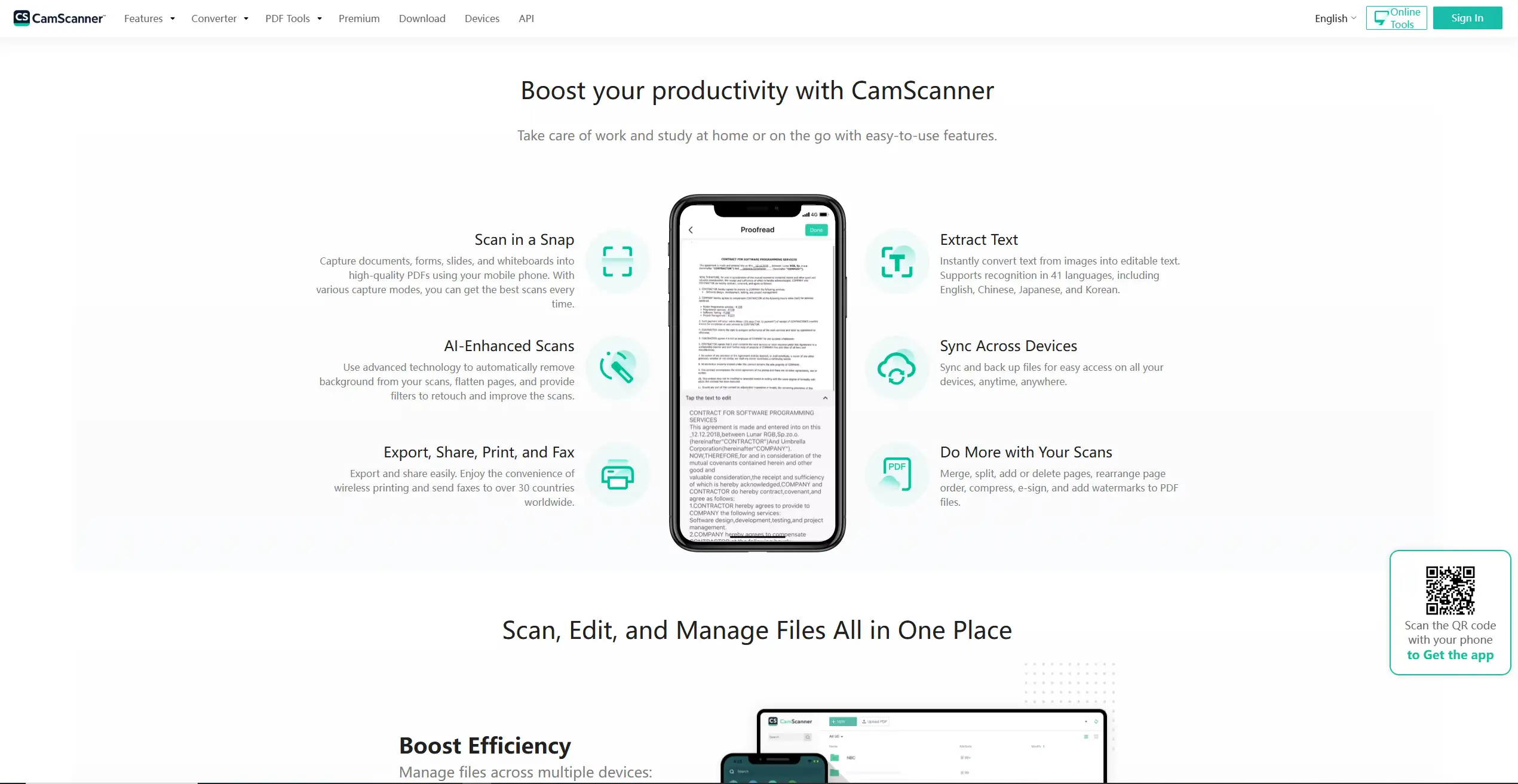
This one is a legend of all time.CamScanner is one of the most trusted document scanning apps globally. It allows you to scan paper documents using your smartphone camera and convert them into clean, professional-looking PDFs or images.
From bills and receipts to contracts and handwritten notes, CamScanner makes digitization effortless.
Key Features:
- High-quality document scanning
- Auto-crop and perspective correction
- OCR (extract text from images)
- Convert scans into PDF or JPEG
- Cloud sync across devices
- Password protection for sensitive files
- Share via email, WhatsApp, Drive, etc.
What Makes It Unique:
Its OCR accuracy and scan quality are among the best, making it extremely useful for office work, education, and personal document management.
3. Duolingo – Learn Languages the Fun Way:
This is the app that I used to learn English without spending time and money. Duolingo turns language learning into a fun daily habit. Instead of long lessons, it uses short, game-like exercises that teach vocabulary, grammar, pronunciation, and listening skills.
The app supports dozens of languages and adapts lessons based on your learning speed and mistakes.
Key Features:
- Bite-sized lessons (5–10 minutes)
- Gamified learning with streaks and rewards
- Speaking, listening, reading, and writing practice
- Personalized difficulty progression
- Offline lessons (premium)
- Daily reminders for consistency
What Makes It Unique:
Duolingo removes the fear of learning a new language by making it engaging, pressure-free, and habit-based.
4. Google Translate – Instant Language Translator:
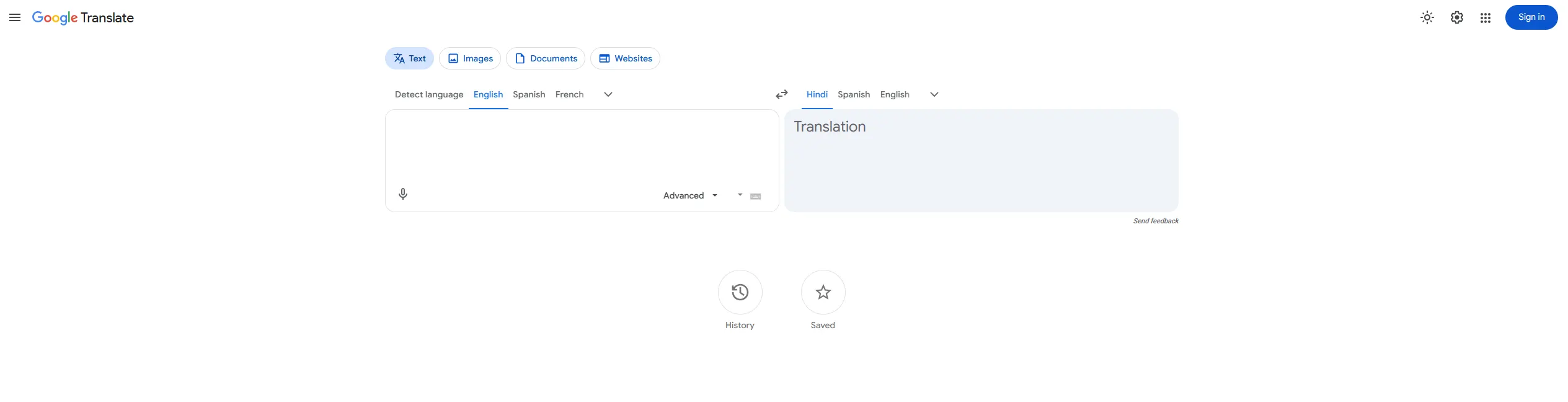
Maybe you already have this, but it needs to be on the list. Google Translate is an essential app for travellers, students, and professionals. It supports text, voice, image, and live conversation translations across more than 100 languages.
Its camera translation feature is especially helpful when reading signboards, menus, or documents in foreign languages.
Key Features:
- Translate text instantly
- Camera-based real-time translation
- Voice-to-voice conversation mode
- Offline language downloads
- Handwriting translation
- Pronunciation assistance
What Makes It Unique:
Its offline translation, Live translation and camera scanning make it one of the most reliable translation tools available anywhere.
5. DuckDuckGo – Private Search & Secure Browser:
I personally use this a lot! (In Chrome). DuckDuckGo is a privacy-focused search engine and browser that doesn’t track users, store personal data, or create advertising profiles.
In a world where online tracking is common, DuckDuckGo gives users control over their digital privacy.
Key Features:
- No search tracking or user profiling
- Built-in tracker blocking
- Encrypted connections (HTTPS)
- Privacy grade for websites
- One-tap “Fire” button to clear data
- Clean, ad-light interface
What Makes It Unique:
DuckDuckGo prioritizes user privacy by default, making it ideal for anyone concerned about digital security.
6. Adidas Running – Fitness & Run Tracking App:

Good for fitness and health tracking. Adidas Running (formerly Runtastic) is a fitness tracking app designed for walking, running, cycling, and general workouts. It uses GPS to track distance, pace, calories burned, and time.
It also offers structured training plans and community challenges.
Key Features:
- GPS-based activity tracking
- Voice coaching during workouts
- Custom fitness goals
- Training plans for beginners & advanced users
- Community challenges and leaderboards
- Integration with wearables
What Makes It Unique:
It combines fitness tracking with motivation, making it easier to stay consistent and active.
7. Todoist – Task & Life Organizer:
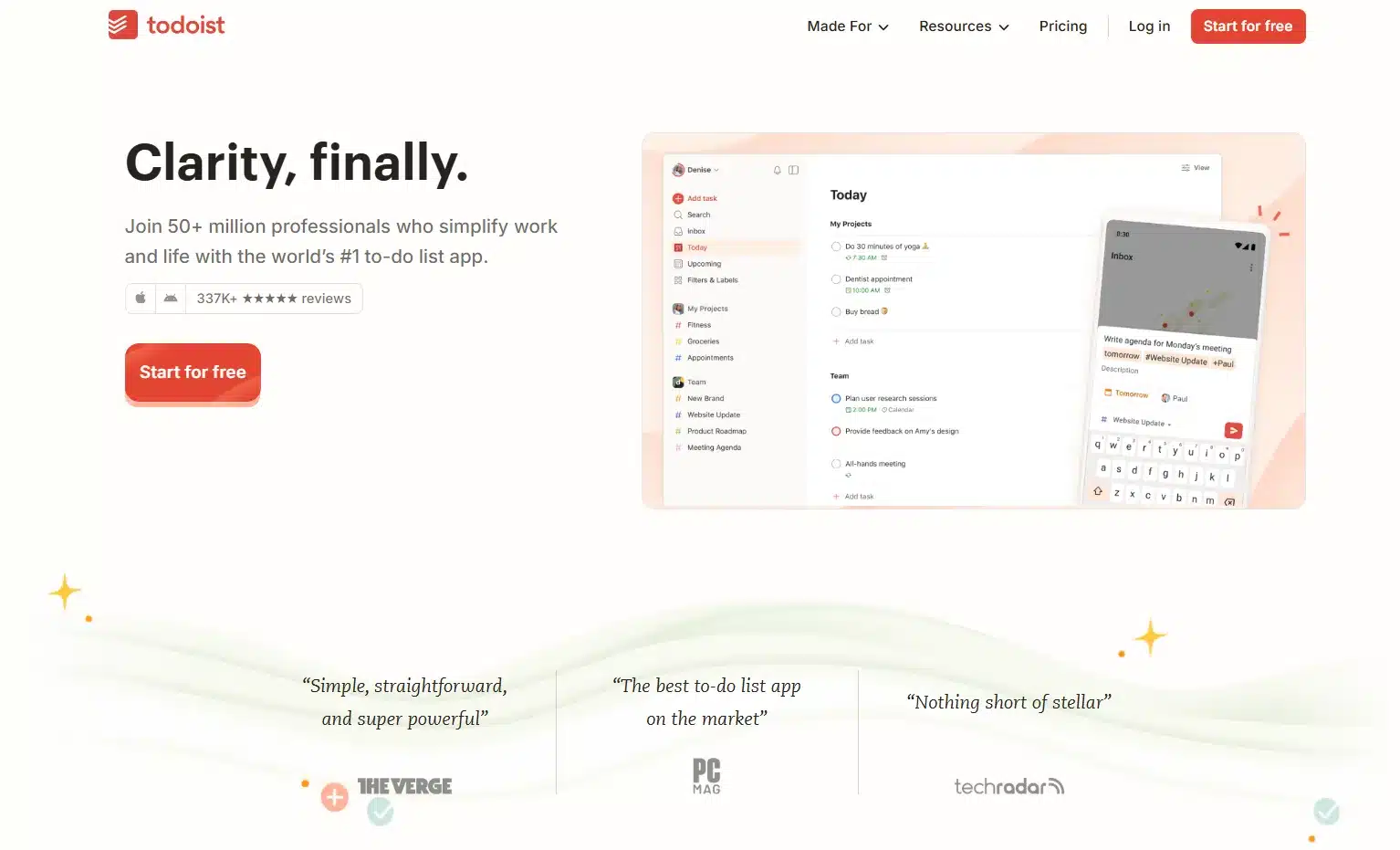
This one gives clarity on what to do today. Todoist is one of the most powerful to-do list and task management apps available. It helps individuals and teams organize daily tasks, projects, and long-term goals in one place.
Its clean interface and smart features make planning effortless.
Key Features:
- Task lists with due dates and priorities
- Project-based organization
- Recurring tasks and reminders
- Natural language input (“Pay bill tomorrow”)
- Collaboration and task sharing
- Sync across all devices
What Makes It Unique:
Todoist blends simplicity with advanced task management, suitable for both personal and professional use.
8. Flipboard – Personalized News & Content Hub:
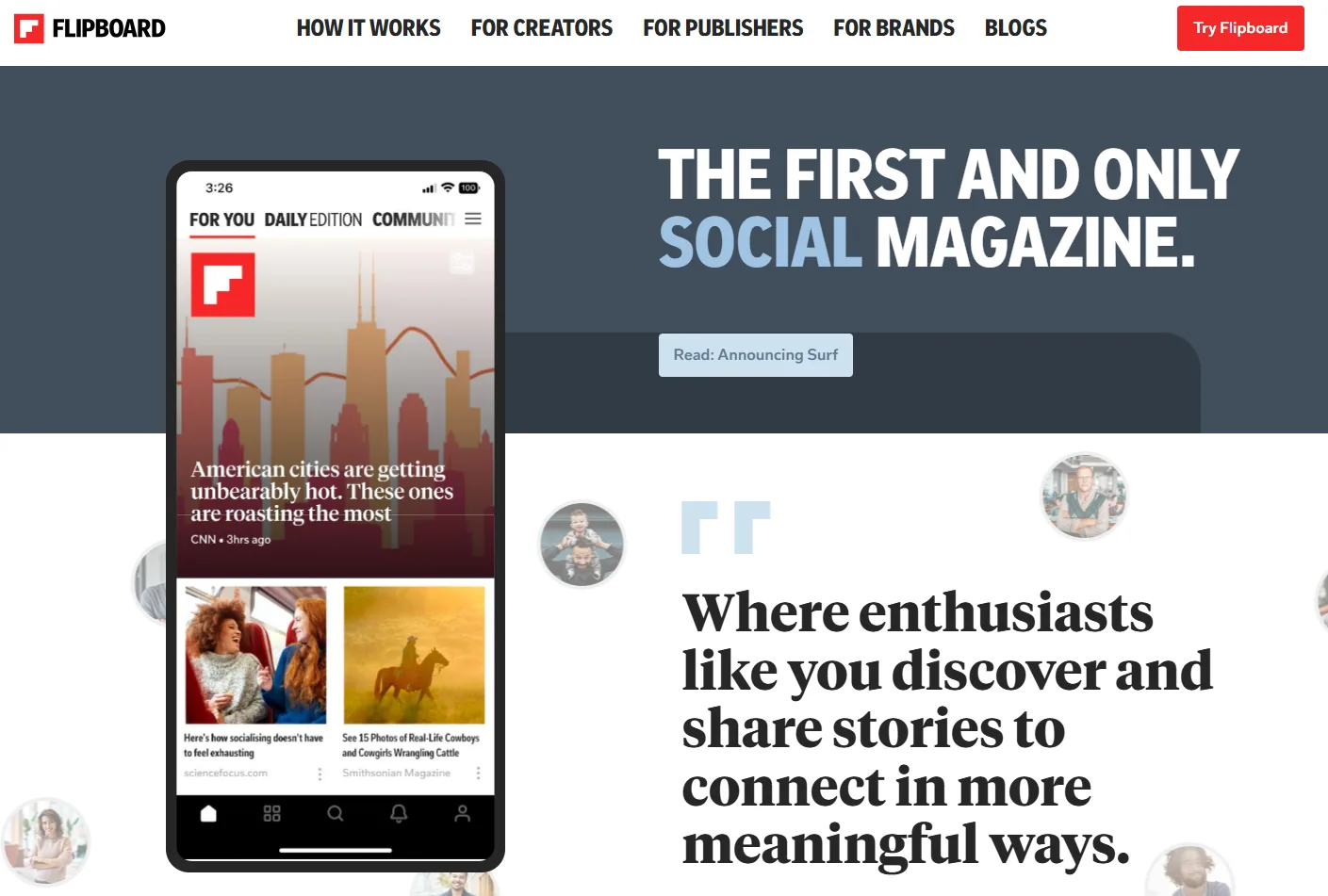
Useful app for daily news. Flipboard curates news, articles, and videos based on your interests. Instead of scrolling endlessly through social media, you get meaningful content from trusted sources.
You can create your own “magazines” for topics you care about.
Key Features:
- Personalized news feed
- Topics like tech, health, finance, travel, sports
- Save and organize content
- Clean magazine-style layout
- Offline reading
- Follow publishers and creators
What Makes It Unique:
Flipboard offers quality content without noise, making news consumption intentional and enjoyable.
9. Pocket – Save Now, Read Later:
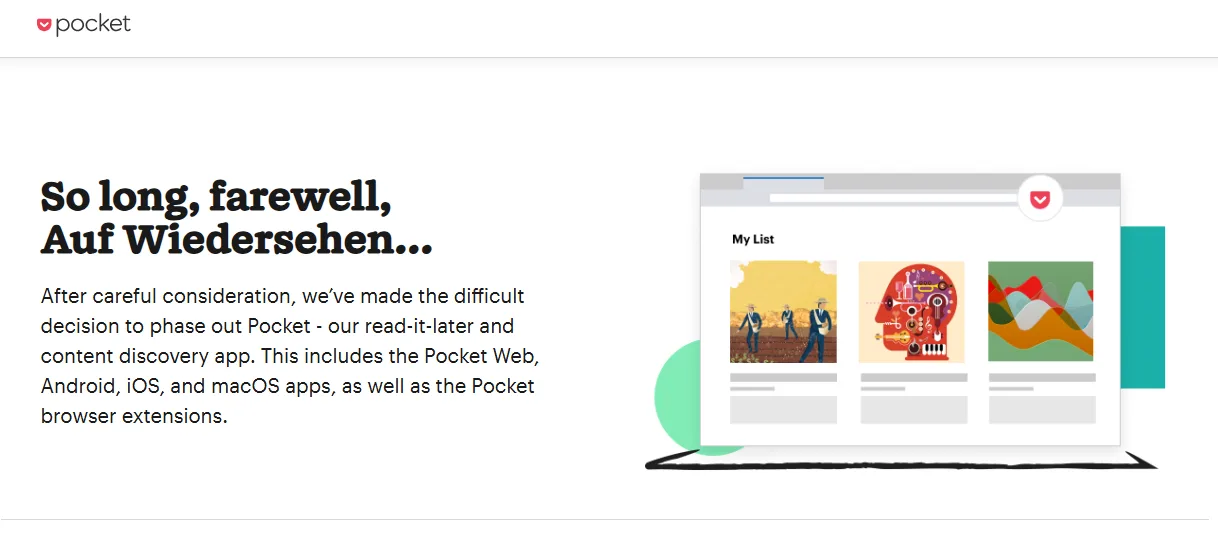
Did you ever feel that what was the article that I saw yesterday, and now you can’t find that, but you really want to read? That’s why Pocket is perfect for people who discover interesting content but don’t have time to read it immediately. It saves articles, blogs, and videos for later viewing — even offline.
It also removes ads and distractions for a clean reading experience.
Key Features:
- Save articles, videos, and links
- Offline access
- Text-to-speech listening
- Tag and organize saved items
- Clean, distraction-free reading mode
- Sync across devices
What Makes It Unique:
Pocket helps you consume content on your terms, without rushing or distractions
10. Dashlane – Password Manager & Digital Security:
It works for me. Dashlane is a secure password manager that stores and auto-fills your login credentials. It also generates strong passwords and alerts you if your data is compromised.
In today’s digital world, managing passwords securely is no longer optional.
Key Features:
- Secure password storage
- Auto-fill for websites and apps
- Password generator
- Dark web monitoring
- Secure notes storage
- Encrypted cloud sync
What Makes It Unique:
Dashlane combines ease of use with high-level security, protecting your digital identity effortlessly.
11. NordVPN – Secure Internet & Online Privacy:
Good for looking out of your continent without compromizing privacy. NordVPN is one of the most trusted VPN apps globally, designed to protect your online activity, especially on public Wi-Fi networks. Whether you’re working remotely, travelling, or accessing sensitive data, this app encrypts your internet traffic and keeps you safe from hackers and trackers.
Key Features:
- Military-grade AES-256 encryption
- Thousands of servers across multiple countries
- One-tap VPN connection
- Protection on public Wi-Fi
- No-logs privacy policy
- Blocks malicious websites and trackers
What Makes It Unique:
NordVPN balances strong security with fast speeds, making it suitable for both everyday browsing and professional use without slowing your internet.
12. Pinterest – Visual Ideas & Inspiration Platform:
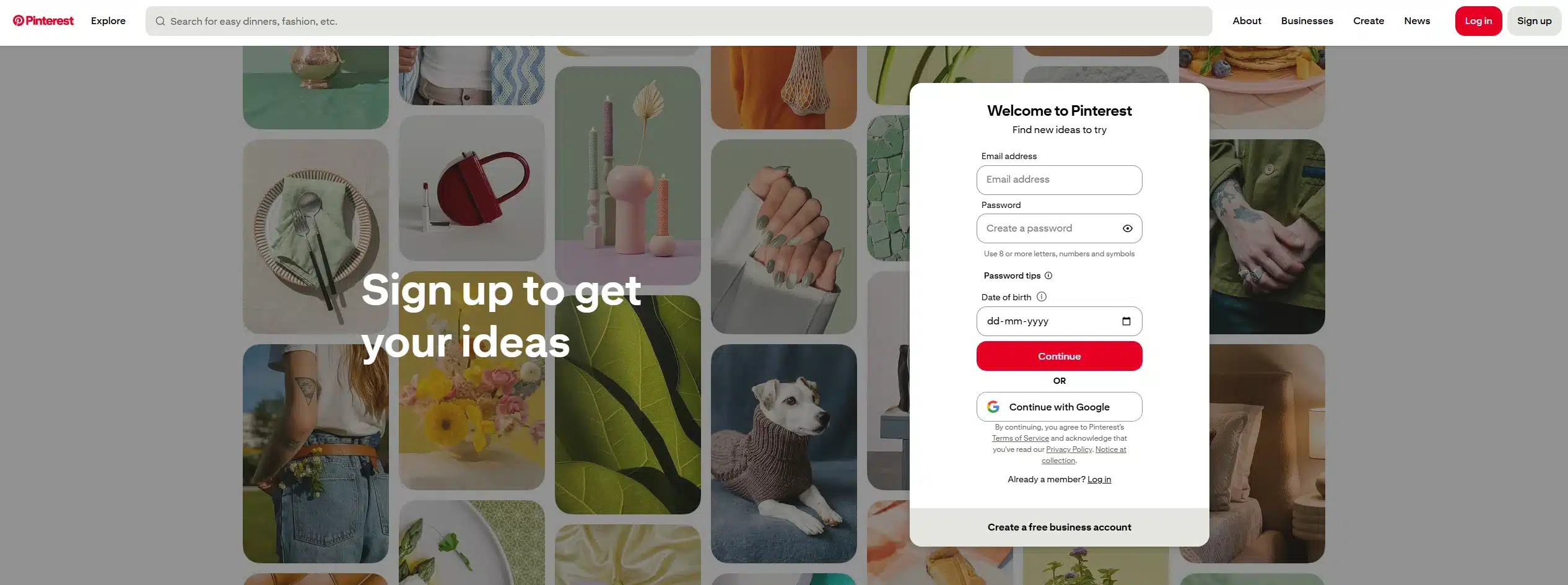
Must have apps for creative people. Pinterest is not just a social media app—it’s a visual discovery engine. From home décor and fashion to recipes, fitness routines, and business ideas, Pinterest helps you collect inspiration and plan future goals.
Key Features:
- Save ideas as Pins and Boards
- Visual search using images
- Personalized feed based on interests
- Offline viewing of saved Pins
- Idea Pins for step-by-step inspiration
What Makes It Unique:
Pinterest helps users plan life visually, not just scroll content. It’s highly useful for creativity, planning, and long-term inspiration.
13. Grammarly – Writing & Communication Assistant:
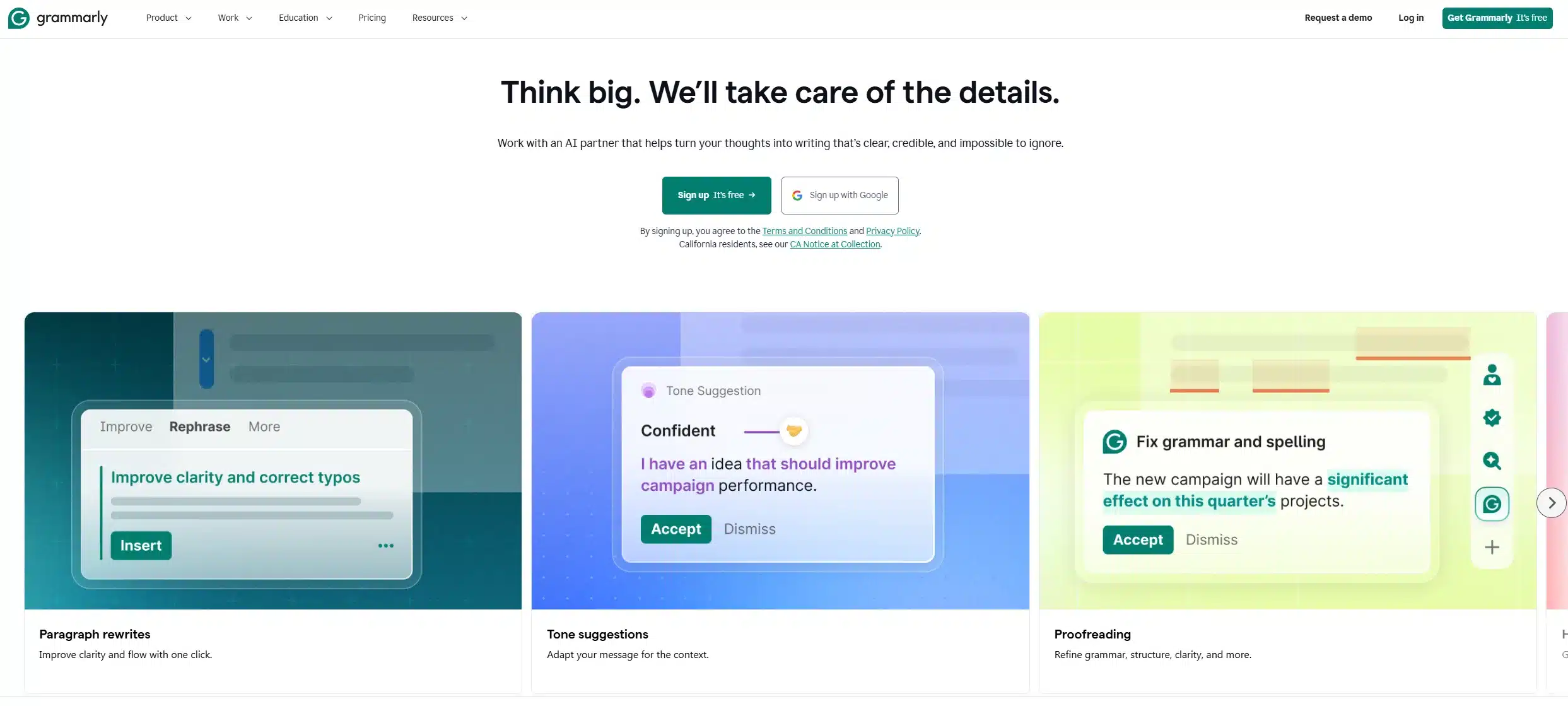
My writing assistant. Grammarly improves your writing across emails, documents, social media, and messaging apps. It checks grammar, spelling, tone, clarity, and even plagiarism (premium).
Key Features:
- Grammar, spelling, and punctuation correction
- Tone and clarity suggestions
- Works across apps and browsers
- Vocabulary enhancement
- AI-powered rewriting suggestions
What Makes It Unique:
Grammarly acts like a real-time editor, helping users communicate clearly and professionally everywhere they write.
14. VN Video Editor – Professional Editing on Mobile:
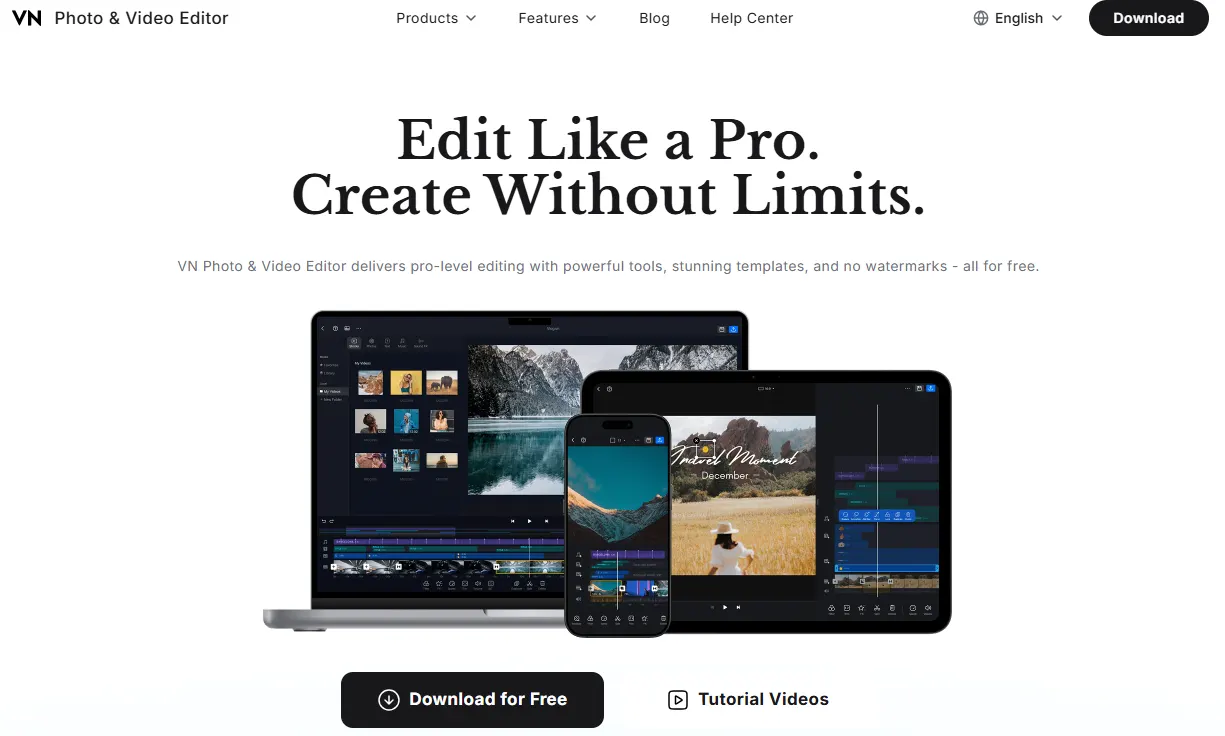
Best app for video editing on a Smartphone. VN is a powerful yet beginner-friendly video editing app. It’s widely used by content creators because it offers advanced features without watermarks or complicated workflows.
Key Features:
- Multi-layer timeline editing
- Transitions, filters, and effects
- Speed control and keyframe animation
- Text, music, and sound effects
- No watermark (free version)
What Makes It Unique:
VN delivers desktop-level video editing on mobile, making it perfect for reels, YouTube shorts, and personal videos.
15. VLC Media Player – Universal Media Playback:

This one is classic. VLC is a legendary media player that supports almost every video and audio format. You don’t need extra codecs or conversions—VLC plays everything smoothly.
Key Features:
- Supports nearly all media formats
- Subtitle support and syncing
- Network streaming
- Audio and video equalizers
- Completely free and ad-free
What Makes It Unique:
VLC’s format compatibility and simplicity make it the most reliable media player for everyday use.
16. ChatGPT / Gemini – AI Assistants for Daily Tasks:

These must have apps in 2026, right? AI assistants like ChatGPT and Google Gemini help users with writing, learning, planning, coding, brainstorming, and problem-solving. They’re becoming everyday productivity tools.
Key Features:
- Answer questions and explain concepts
- Write emails, content, and summaries
- Help with coding and math
- Idea generation and planning
- Conversational and easy to use
What Makes It Unique:
These apps act as on-demand digital assistants, saving time and improving decision-making.
17. Blip – Fast File Sharing Without Internet Limits:
After spending days trying many apps, I found this gem. On Reddit, someone shared about this app, and now it’s become part of my app library. Blip allows users to share photos, videos, and files instantly between devices without cloud uploads or compression. Files retain original quality and privacy.
Key Features:
- Peer-to-peer file sharing
- No file size limits
- No cloud storage required
- Works across platforms
- Fast local transfers
What Makes It Unique:
Blip offers direct, private file sharing, making it faster and safer than cloud-based alternatives.
18. Lumosity – Brain Training & Mental Fitness:

Lumosity offers short, science-based games designed to improve memory, attention, and problem-solving skills. It’s useful for mental stimulation at any age.
Key Features:
- Daily brain training exercises
- Games for memory, focus, and logic
- Progress tracking
- Personalized training programs
- Short, engaging sessions
What Makes It Unique:
Lumosity makes mental fitness a daily habit, just like physical exercise.
19. Hinge – Meaningful Dating & Social Connections:
This one doesn’t belong to this list, but if you’re looking for a dating app, this one is the best. Hinge is designed for people looking for real connections rather than endless swiping. Profiles focus on personality, interests, and prompts that encourage conversation.
Key Features:
- Prompt-based profiles
- Like specific profile answers
- Smart matching algorithms
- Conversation-focused design
- Safety and reporting tools
What Makes It Unique:
Hinge encourages quality conversations over quantity, making online dating more intentional.
20. Comet / Atlas – AI-Powered Research Browsers:

Comet and Atlas represent the new generation of AI-assisted browsers. They help users search, summarize, compare sources, and understand complex information faster.
Key Features:
- AI-driven search summaries
- Citation-aware research
- Faster information discovery
- Integrated knowledge tools
- Minimal distraction design
What Makes It Unique:
These browsers turn search into understanding, not just link clicking.
21. Reddit – Community Knowledge & Real Opinions:
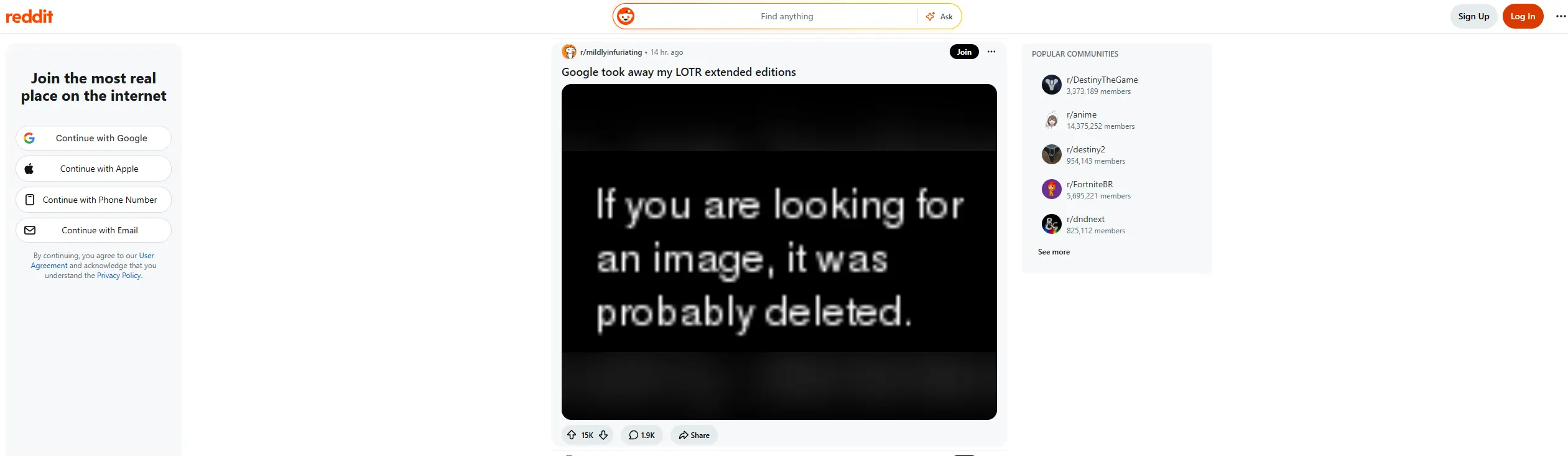
In the era of AI content everywhere, Reddit has gained weight. Reddit hosts thousands of topic-based communities where users share experiences, advice, and news. It’s often the best place to get honest answers.
Key Features:
- Topic-based subreddits
- Community moderation
- Upvote/downvote system
- Anonymous participation
- Real user experiences
What Makes It Unique:
Reddit offers real human insights, not polished marketing content.
22. Toggl Track – Time Tracking & Productivity Insights:
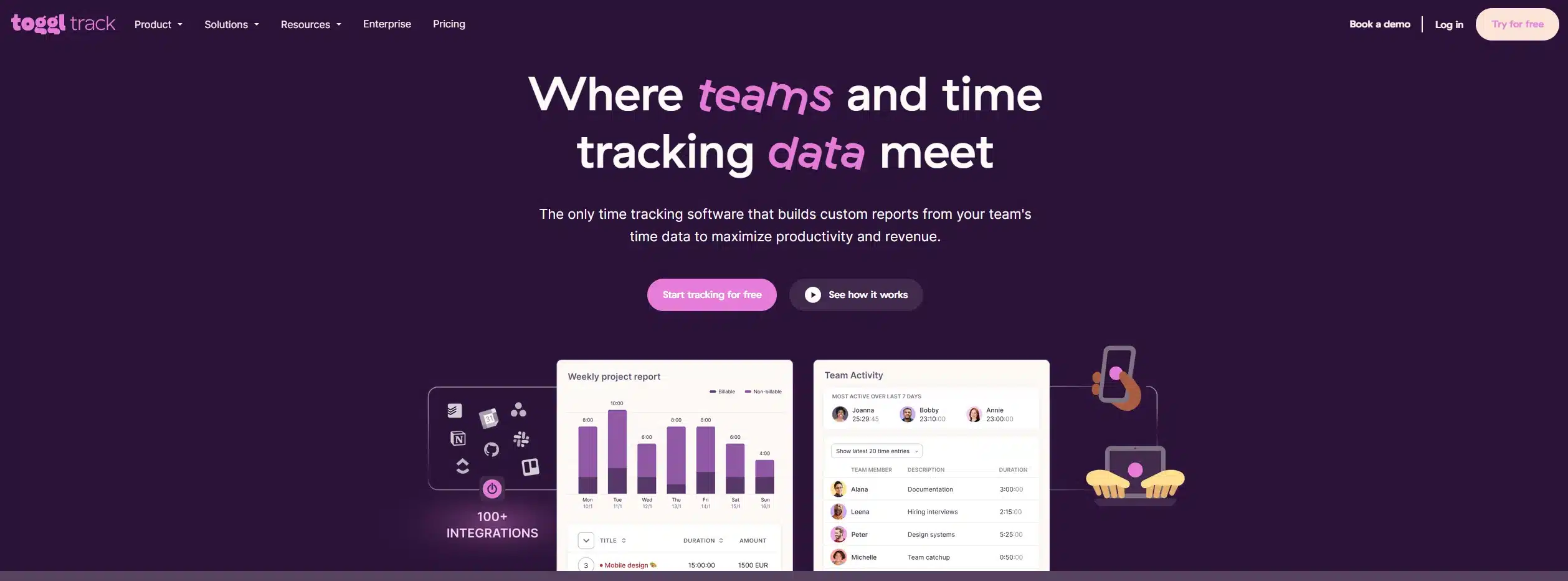
Toggl Track helps you understand how you spend your time. It’s especially useful for freelancers, students, and professionals who want better productivity.
Key Features:
- One-click time tracking
- Detailed reports
- Project and client tracking
- Cross-device sync
- Minimal and clean UI
What Makes It Unique:
Toggl helps users identify time leaks and improve efficiency effortlessly.
23. Google Photos – Smart Gallery & Backup:
Google Photos automatically backs up your photos and videos and organizes them using AI. Searching for photos is easy—even by people, places, or objects.
Key Features:
- Automatic cloud backup
- Smart search (faces, objects, places)
- Easy sharing and albums
- Photo editing tools
- Cross-device access
What Makes It Unique:
Its AI-powered organization makes managing thousands of photos effortless.
Best Useful Apps for Indian Users
24. DigiLocker – Digital Document Storage:
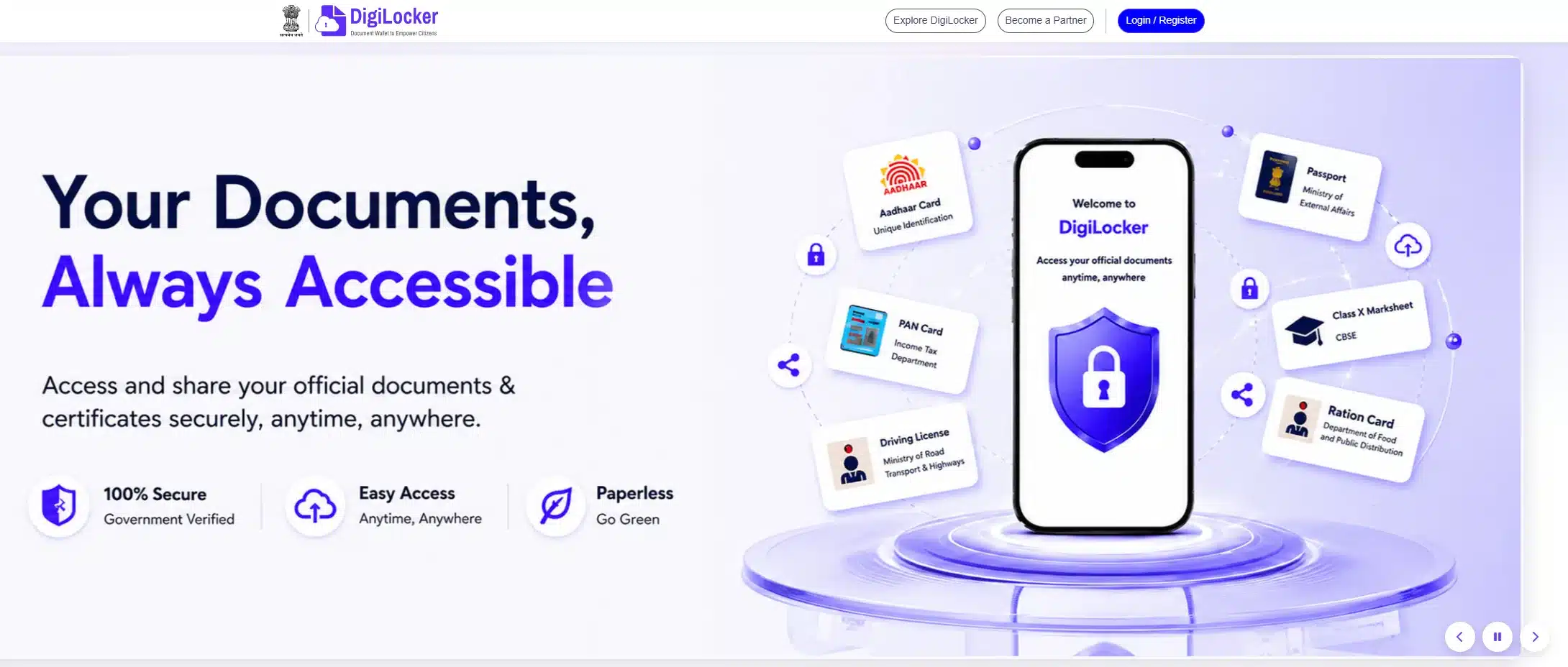
DigiLocker is an Indian government-backed app that stores official documents digitally. It reduces the need to carry physical documents.
Key Features:
- Store Aadhaar, PAN, DL, RC, certificates
- Secure cloud storage
- Easy sharing with authorities
- Legally valid digital documents
- Integrated with government services
What Makes It Unique:
DigiLocker is officially recognized, making it highly practical for Indian users.
25. BHIM / UPI Apps – Digital Payments:
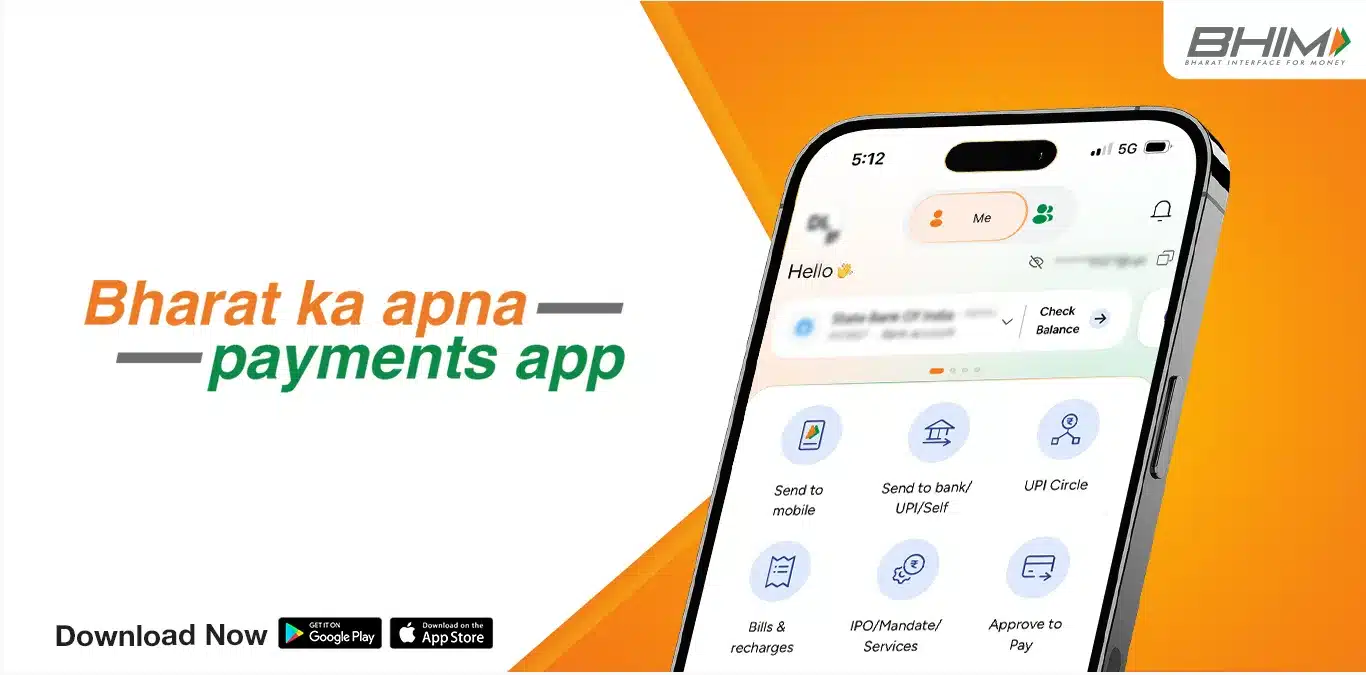
UPI apps like BHIM enable instant money transfers, bill payments, and recharges. They are now essential for daily financial transactions in India.
Key Features:
- Instant bank-to-bank transfers
- QR code payments
- Bill payments and recharges
- Transaction history
- Secure authentication
What Makes It Unique:
UPI apps have made cashless payments fast, simple, and universal in daily life.
Final Thoughts
The right mobile applications can save time, reduce stress, improve productivity, and enhance everyday experiences. From AI assistants and productivity tools to privacy apps and digital payments, these 25 apps that I use regularly represent the most useful tools for modern daily life.
Choosing the right apps isn’t about installing more—it’s about installing smarter.
FAQs:
The most useful mobile apps are those that help you manage daily tasks, save time, and reduce stress. Apps like Google Maps (navigation), Todoist (task management), CamScanner (document scanning), UPI apps (payments), and ChatGPT or Gemini (AI assistance) are commonly used because they solve everyday problems effectively.
Most of the apps listed offer free versions with essential features. Some apps like Grammarly, Dashlane, NordVPN, and Lumosity also provide premium plans for advanced features, but the free versions are sufficient for basic daily use.
For productivity, Todoist helps manage tasks and deadlines, Toggl Track helps track how you spend time, and NotebookLM helps organize and understand information using AI. These apps work well together for personal and professional productivity.
CamScanner is one of the best apps for scanning documents. It allows you to scan papers, receipts, and IDs, convert them into PDFs, extract text using OCR, and securely share or store files.
Students can benefit from NotebookLM for study notes, Duolingo for language learning, Google Translate for quick translations, Lumosity for brain training, and Pocket for saving articles and study material to read later.
Yes, AI apps like ChatGPT and Google Gemini are safe for everyday use when used responsibly. They are useful for writing help, learning, planning, problem-solving, and idea generation. Users should avoid sharing sensitive personal or financial information.
Apps like DuckDuckGo (private browsing), Dashlane (password management), and NordVPN (secure internet connection) help protect your online privacy, passwords, and data—especially on public Wi-Fi networks.
For Indian users, UPI apps (BHIM, bank apps) are essential for digital payments, DigiLocker is useful for storing official documents, Google Maps helps with navigation, and CamScanner is widely used for paperwork and office tasks.
Nice list. 🙂 I would also add the app “SHAREit”, one of the best file sharing apps ever! <3
Thank you Pradeep for your feedback and recommendation. I personally uses ShareApp for file sharing but will definitely try a SHAREit and will include in the list.
Out of all app i liked trackmybudget app for me 🙂 I’ll give it try
Thank you Ravinder for the feedback. Do you use any of these app? Which is your all time favorite app you would never delete from your smartphone?
Thanks, jignesh for amazing guide to make life easier with apps.
But i think depends on who are you?
If someone is techgeek he will look for tech related things, and like that it depends on person’s perspective.
Perfect but this article is drafted by considering all type of people and not just a specific audiences. These applications are helpful in daily life no matter which profession you are from. 🙂
Jignesh Gohel, thanks for the article. I found some nice and useful apps here!
Did you know any apps which can solve crosswords?
Thank you Howard,
I will test few crosswords apps and will update this list for you.
Wow! Great list. The apps listed here are useful. Thanks for the post
Thank you for your feedback, which one is your favorite app from the list?
Shareapp is my favourite. It’s just awesome.