A modern business can become dysfunctional if there are less-than-perfect means to collaborate, team up and communicate among the team members. While face to face meetings and round table conferences are not possible in busy schedules, conference calls become a valuable collaboration tool to stick to the work processes.
With a good provider, even remotely located people and groups can easily connect and drop into a virtual meeting platform. However, it is necessary to understand that all conference call services haven’t been equally created. Each comes with a unique set of benefits and features. Well, here are the top 10 conference call services providers to consider.
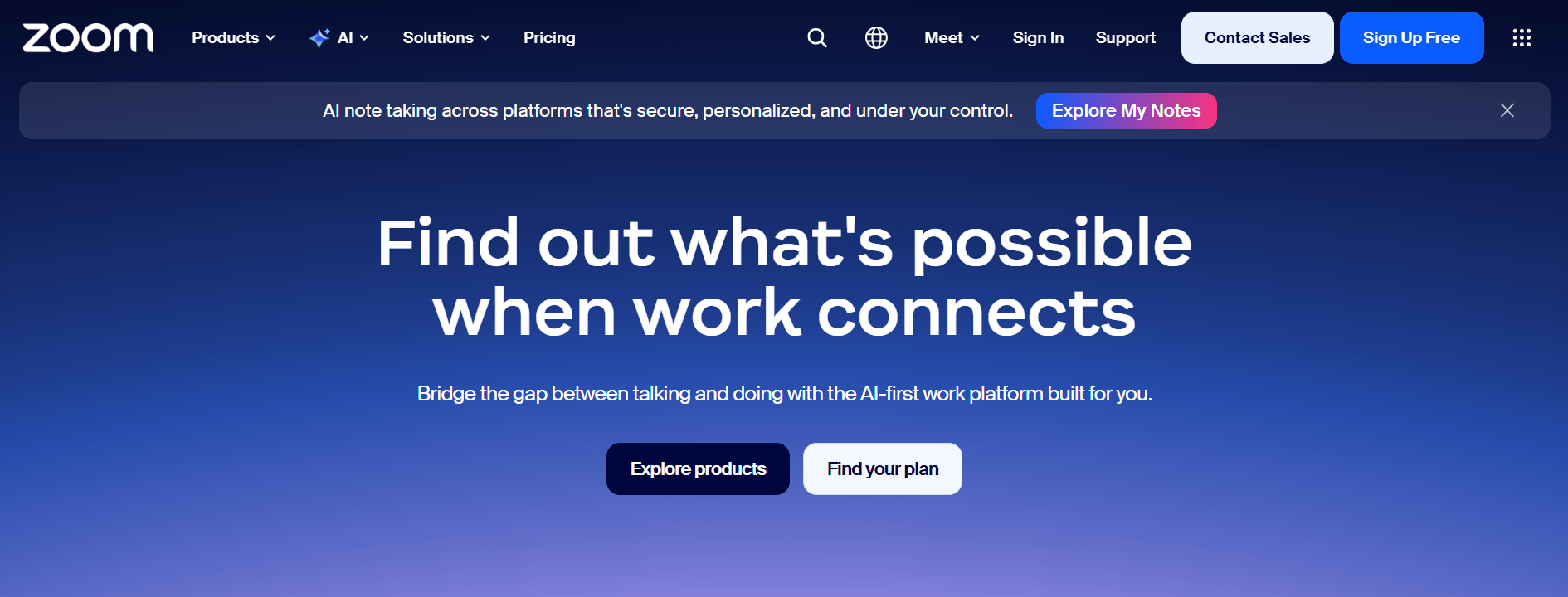
Zoom remains the most widely adopted video conferencing platform, and for small businesses without an existing Google or Microsoft ecosystem, it’s still the easiest default. Its audio quality and adaptive bitrate video hold up especially well on weak or congested connections genuinely useful when participants are joining from coffee shops or home Wi-Fi. Zoom is one of the best web conferencing service providers, offering high-quality video meetings, audio conferencing, screen sharing, and collaboration features for businesses of all sizes.
Zoom AI Companion is now included at no extra cost on paid plans, handling meeting summaries, action-item extraction, and smart recaps. The free plan allows up to 100 participants but caps group meetings at 40 minutes; the Pro plan removes that cap and adds AI features, running around $13 – $16/month per host depending on billing term.
Best for: Teams that want one reliable, feature-complete tool without heavy configuration, and businesses that regularly host webinars alongside regular meetings.
#2. Microsoft Teams:
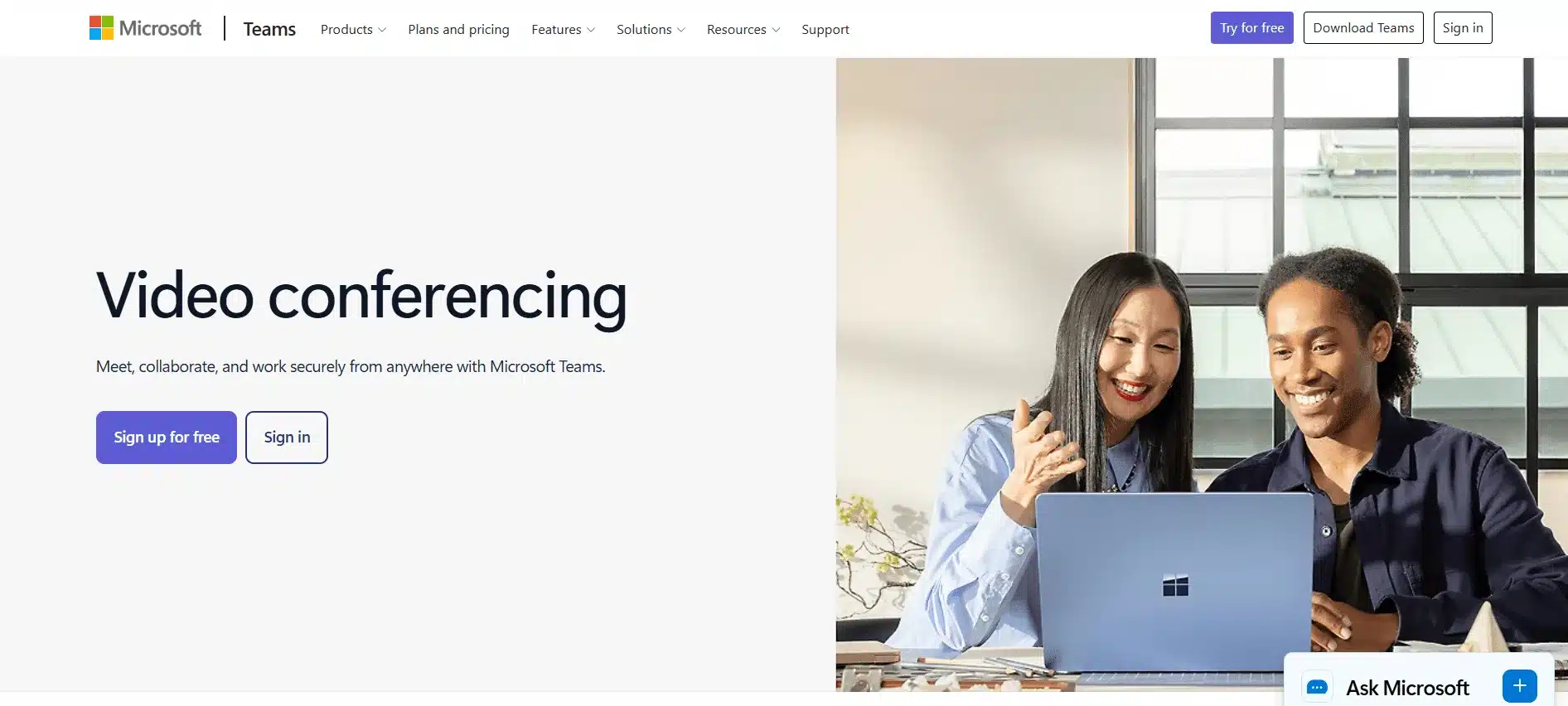
If your business already pays for Microsoft 365, Microsoft Teams is very likely already included at no extra cost, and it’s also where former Skype users landed after the May 2025 retirement. The rebuilt Teams client, now the default since 2023, significantly improved call quality and resource usage compared to the older version. Microsoft Teams is one of the leading video conference service provider platform, offering HD video meetings, audio conferencing, screen sharing, chat, and seamless collaboration through Microsoft 365 integration.
Its “Take notes for me” Copilot feature generates automatic meeting notes with summaries and action items, and the “catch me up” feature for late joiners is genuinely popular with users. Free tier allows meetings up to 60 minutes with 100 participants; Teams is bundled into Microsoft 365 Business Basic (from roughly $6/user/month).
Best for: Any small business already inside the Microsoft ecosystem — there’s rarely a reason to pay for a separate tool on top.
#3. Google Meet:
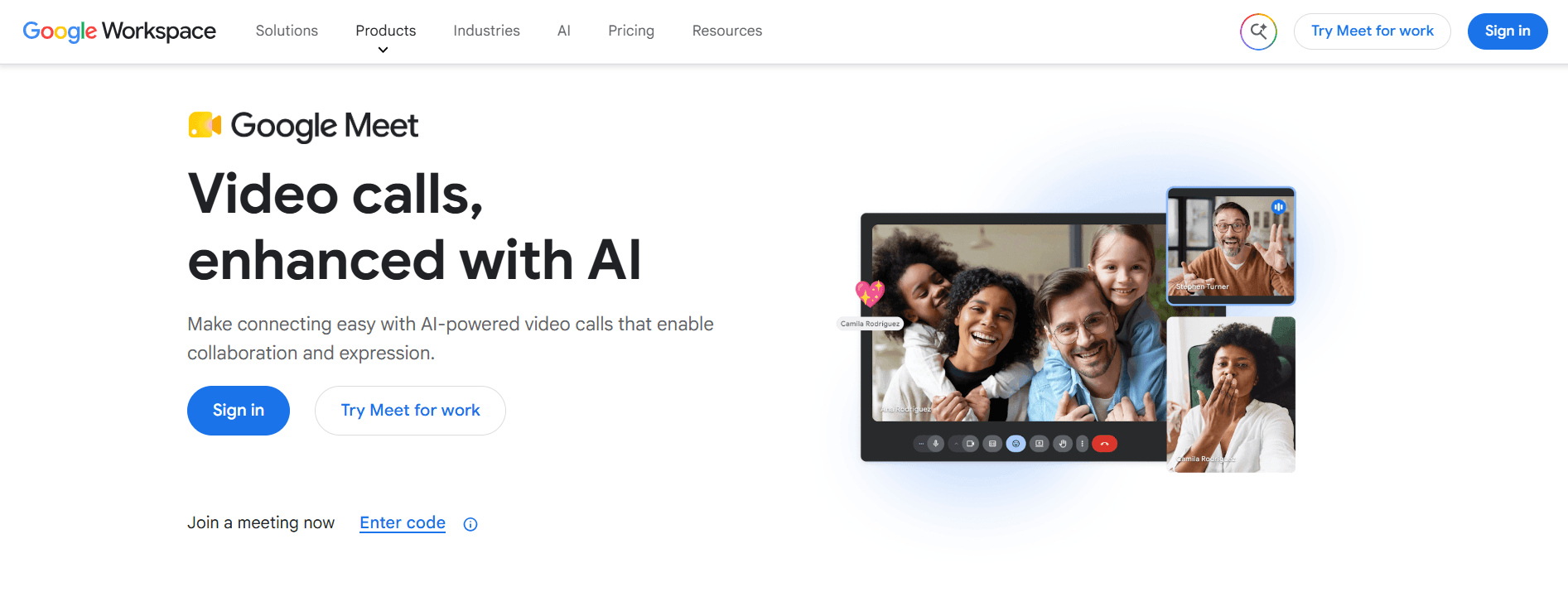
Google Meet is browser-first, no download required to join, which makes it the easiest option for meetings with external clients who don’t want to install anything. If you are on Google Workspace, Google Meet is already bundled starting around $7/user/month with Business Starter. Google Meet is one of the leading video conferencing services, offering secure HD video meetings, screen sharing, live captions, and seamless integration with Google Workspace for easy online collaboration.
Meet’s AI noise cancellation handles background noise and keyboard sounds well, though on very poor connections it tends to drop video resolution more aggressively than Zoom to preserve audio. The free tier allows up to 100 participants for 60-minute meetings.
Best for: Startups and small teams on a budget, or anyone who values the simplest possible guest-join experience.
#4. WebEx:
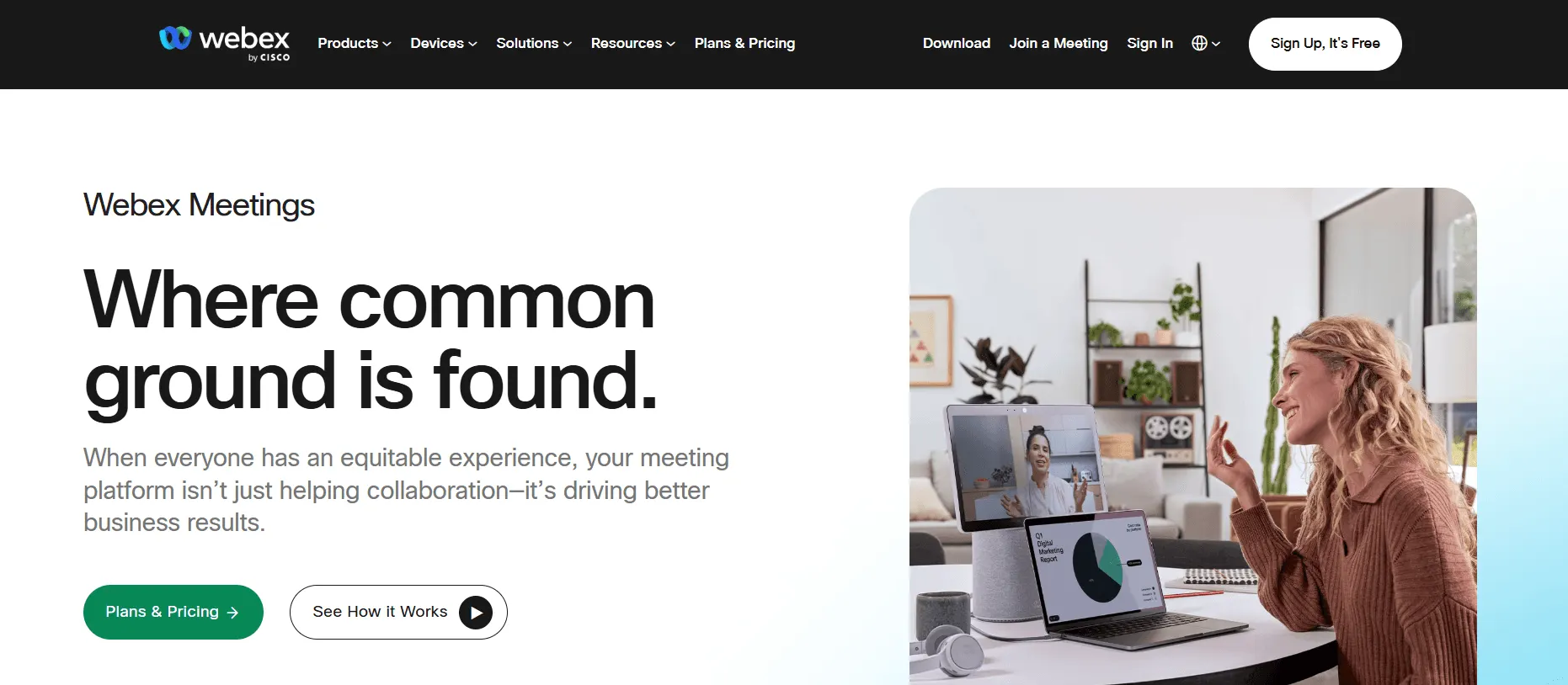
Offering the most advanced in interactive conferencing, WebEx is among the easiest and user-friendly services. WebEx, as many of you would already know isn’t a true conference calling service. It specializes in web meetings and webinars but also supports audio conferencing as a part of the service. A maximum of 100 participants are allowed on a reservation less call but will provide all the functionalities you would expect out of a telephonic meeting.
WebEx also provides toll and toll-free numbers that allow dialing from any part of the world. There is no limit to the number of web conference calls services. Another important feature with WebEx is that you can share the responsibility of the meeting to a set of presenters, who will be presenting the plans, strategies and ideas for the talk. The service also supports recording and playback.
#5. Zoho Meeting:
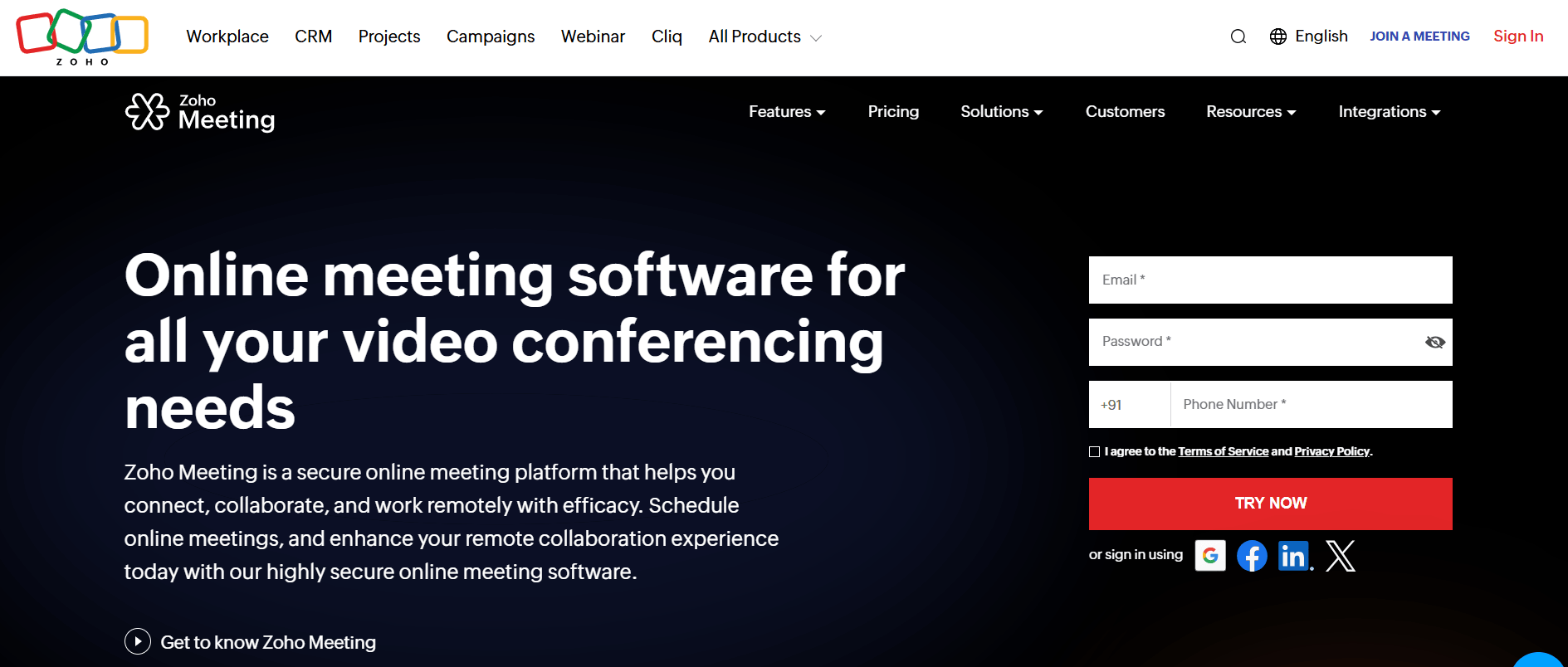
If you’re already using Zoho’s business software suite, or just want the cheapest reliable paid option, Zoho Meeting starts as low as $1–$3 per host/month, dramatically undercutting every other tool on this list while still covering the core features most small teams need.
Best for: Cost-conscious small businesses that don’t need AI meeting assistants or enterprise-grade compliance.
#6. RingCentral Video:
RingCentral video conferencing with a full VoIP phone system, team messaging, and fax, useful if you’re evaluating a full communications stack rather than video alone. It’s a stronger fit for businesses replacing a traditional phone system entirely, not just adding video calls.
Best for: Small businesses consolidating phone, chat, and video into a single vendor.
#7. GoTo Meeting:
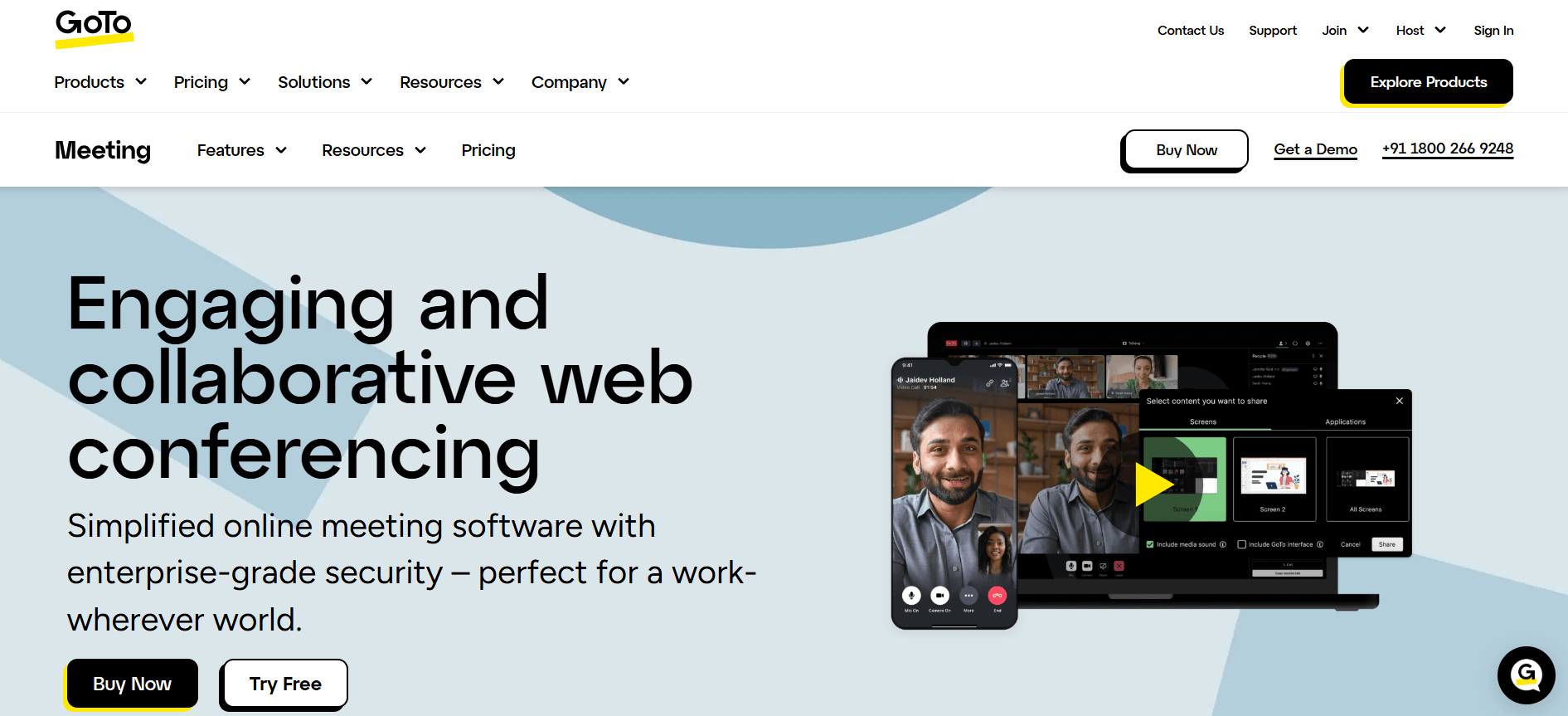
GoTo Meeting has stayed relevant by focusing on dependable, no-frills webinar hosting rather than trying to out-feature Zoom. GoTo Meeting is a reliable video and audio conferencing service, offering HD video meetings, crystal-clear audio conferencing, screen sharing, meeting recording, and collaboration tools for businesses and remote teams. It’s a reasonable choice around $12/month for teams that specifically run larger one-to-many sessions and want a straightforward setup.
Best for: Businesses whose primary use case is webinars and large-audience presentations rather than day-to-day team meetings.
#8. Jitsi Meet:
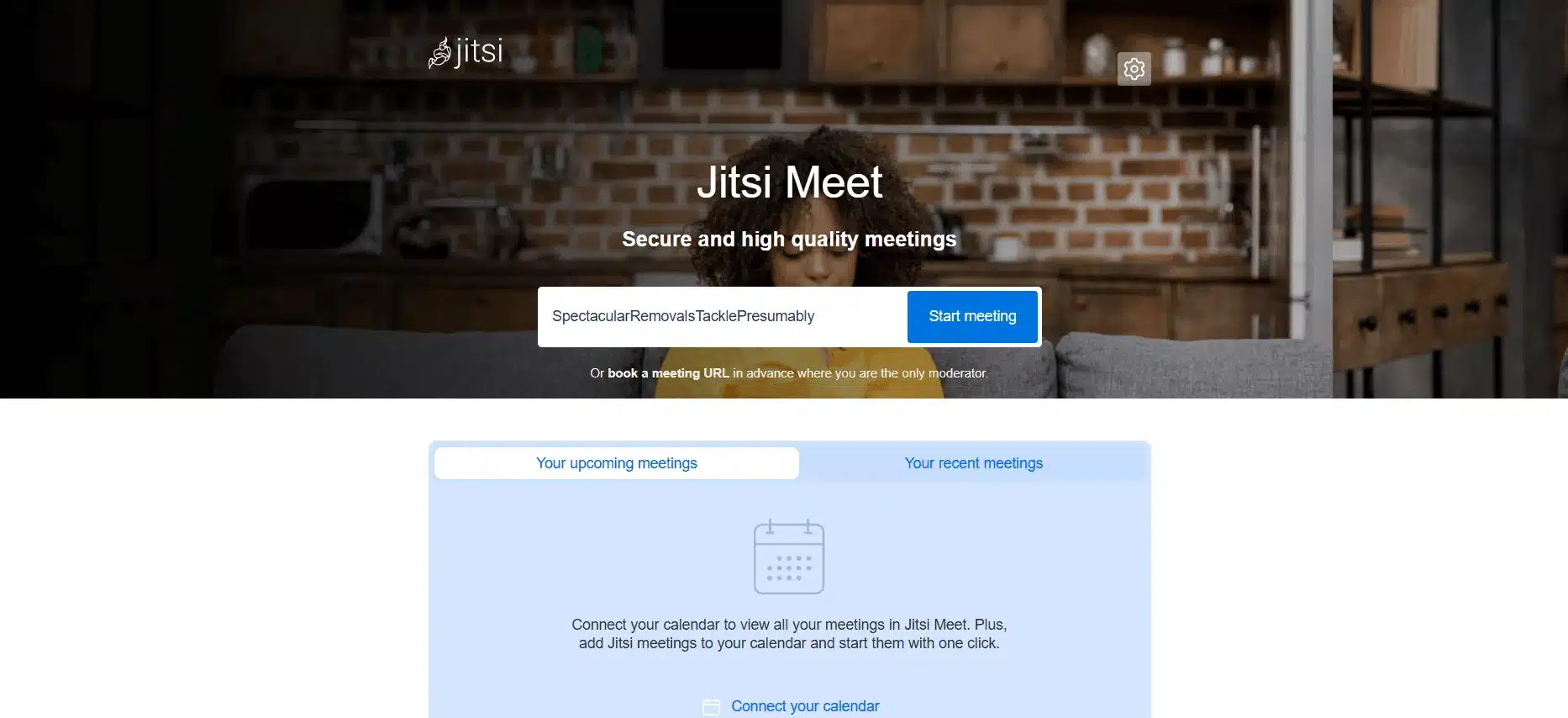
Jitsi Meet is free, open-source, and requires no account to start or join a meeting, an unusual combination. It won’t match Zoom or Teams on AI features or polish, but for a small business or freelancer who just needs unlimited, no-cost video calls without vendor lock-in, it’s worth knowing about.
Best for: Budget-zero teams, privacy-conscious users, or anyone who wants to self-host their own conferencing infrastructure.
#9. Vast Conference:
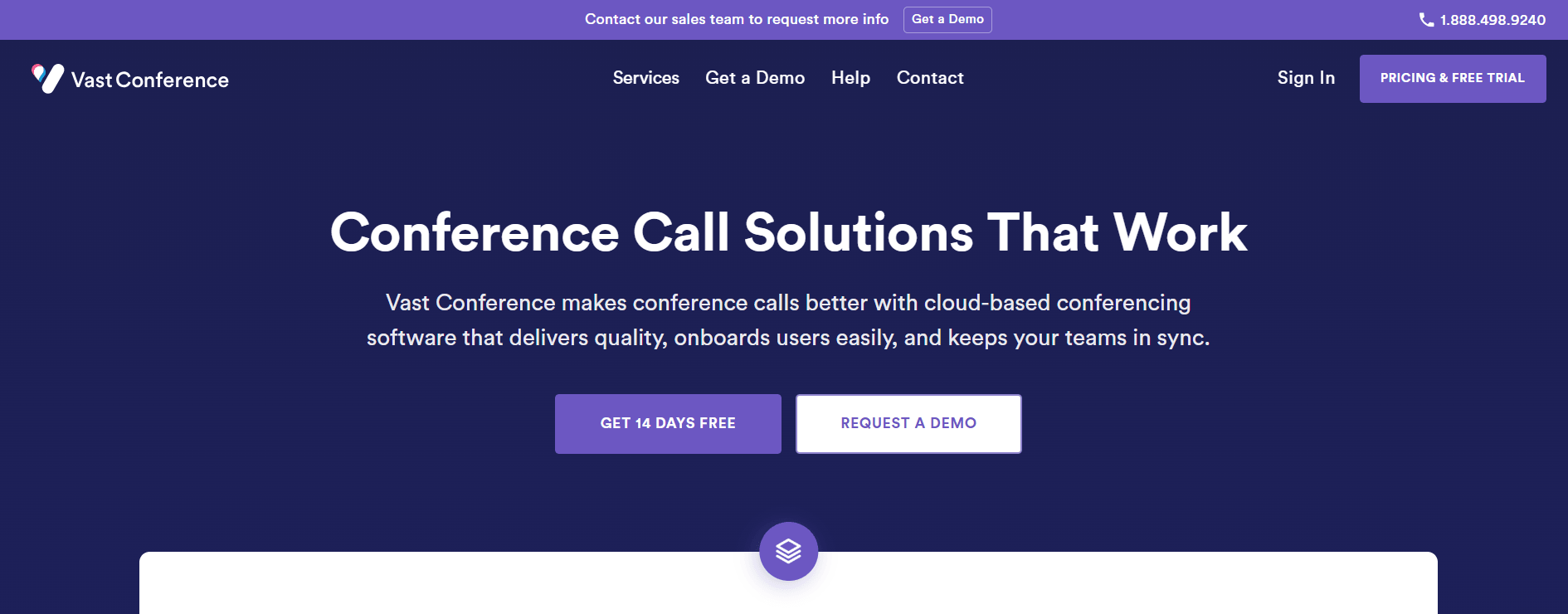
Vast Conference is a well-established conference calling platform that provides reliable audio conferencing, video meetings, and web conferencing solutions for businesses of all sizes. Over the years, the platform has expanded its features to support modern collaboration with HD audio, screen sharing, call recording, meeting scheduling, and browser-based conferencing. Depending on the selected plan, businesses can host meetings with up to 500 participants, while enterprise solutions can accommodate even larger events.
The platform offers both Pay As You Go and monthly subscription plans to suit different business needs. Organizations can choose operator-assisted conferencing for professionally managed meetings or reservationless (instant) conferencing to start or schedule meetings quickly without operator support.
Operator-assisted conferencing is designed for webinars, investor calls, and large corporate events where a dedicated conference specialist manages participant entry, roll calls, Q&A sessions, and overall meeting coordination. Reservationless conferencing, on the other hand, allows users to host meetings instantly using a dedicated dial-in number and access code while benefiting from features such as call recording, participant controls, mute options, meeting reports, and online account management.
#10. Infinite Conferencing:
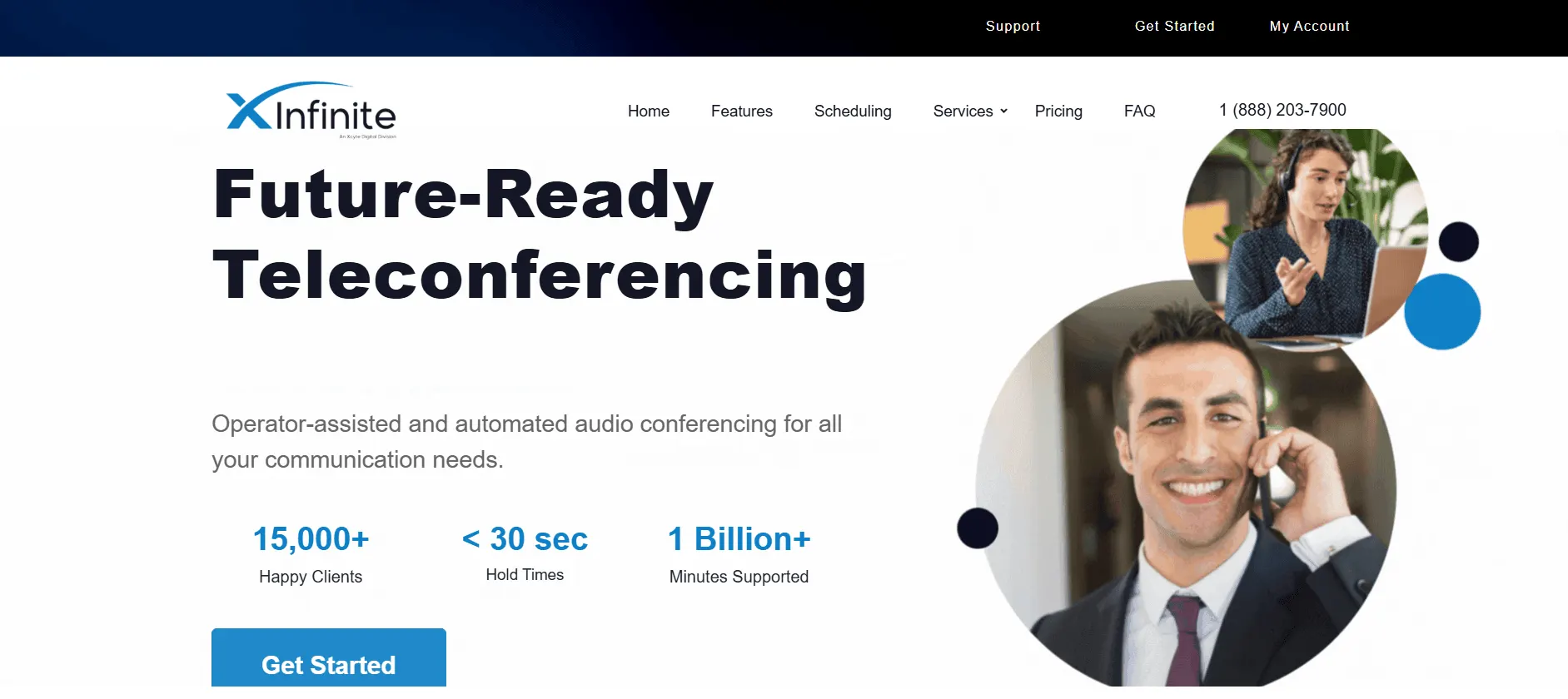
Infinite Conferencing too provides both operator assisted calls and instant conferencing. However, while operator assisted calls allow the participation of 1000 attendees; instant conferencing limits the participation to 300. Highly reliable and user friendly service, Instant Conferencing is perfect for both large and small businesses. The service also adds features like feeding your customized greeting message, phone number, participates in polling (hand raising), document sharing and coupled with an excellent customer support.
Reservation less calls on Instant Conferencing costs 3 cents per minute and a little more for operator assisted calls. The service further allows you to call more than 50 countries across the globe.
FAQs on Video Conferencing Software
Q: Is Skype still available in 2026?
A: No. Microsoft officially retired consumer Skype on May 5, 2025, after 22 years. Existing Skype users were migrated to Microsoft Teams, which now serves the role Skype used to.
Q: What is the best free video conferencing software for small business?
A: Google Meet and Zoom’s free tiers are the strongest free options in 2026, both supporting up to 100 participants, with Meet allowing 60-minute meetings and Zoom capping group calls at 40 minutes. Jitsi Meet offers unlimited free meetings with no account required, though with fewer AI features.
Q: Do I need Zoom if I already have Microsoft Teams or Google Meet?
A: Usually not. If your business already pays for Microsoft 365 or Google Workspace, Teams or Meet is very likely already included at no extra cost and covers what most small businesses need.
Q: Which video conferencing software has the best AI meeting notes?
A: Zoom AI Companion, Microsoft Teams’ Copilot-powered “Take notes for me,” and Google Meet’s Gemini-powered notes are all now included on paid plans and cover automatic summaries, action items, and searchable transcripts.
Q: What replaced Skype for business use?
A: Microsoft Teams is the direct successor, Skype users could sign into Teams Free with their existing Skype credentials, and chats and contacts migrated automatically.
1 COMMENT
Gutted we didn’t get a mention. 🙁 I feel we sit quite nicely between some of the good offerings that you’ve mentioned above – especially as we are well geared towards looking after SMEs, with much higher participant numbers possible, per call… oh and not to mention, our pricing is as low as 1p per min: https://www(dot)meetupcall(dot)com/pricing/





Gutted we didn’t get a mention. 🙁 I feel we sit quite nicely between some of the good offerings that you’ve mentioned above – especially as we are well geared towards looking after SMEs, with much higher participant numbers possible, per call… oh and not to mention, our pricing is as low as 1p per min: https://www(dot)meetupcall(dot)com/pricing/